App Development Internship in Surat (2026 Guide)
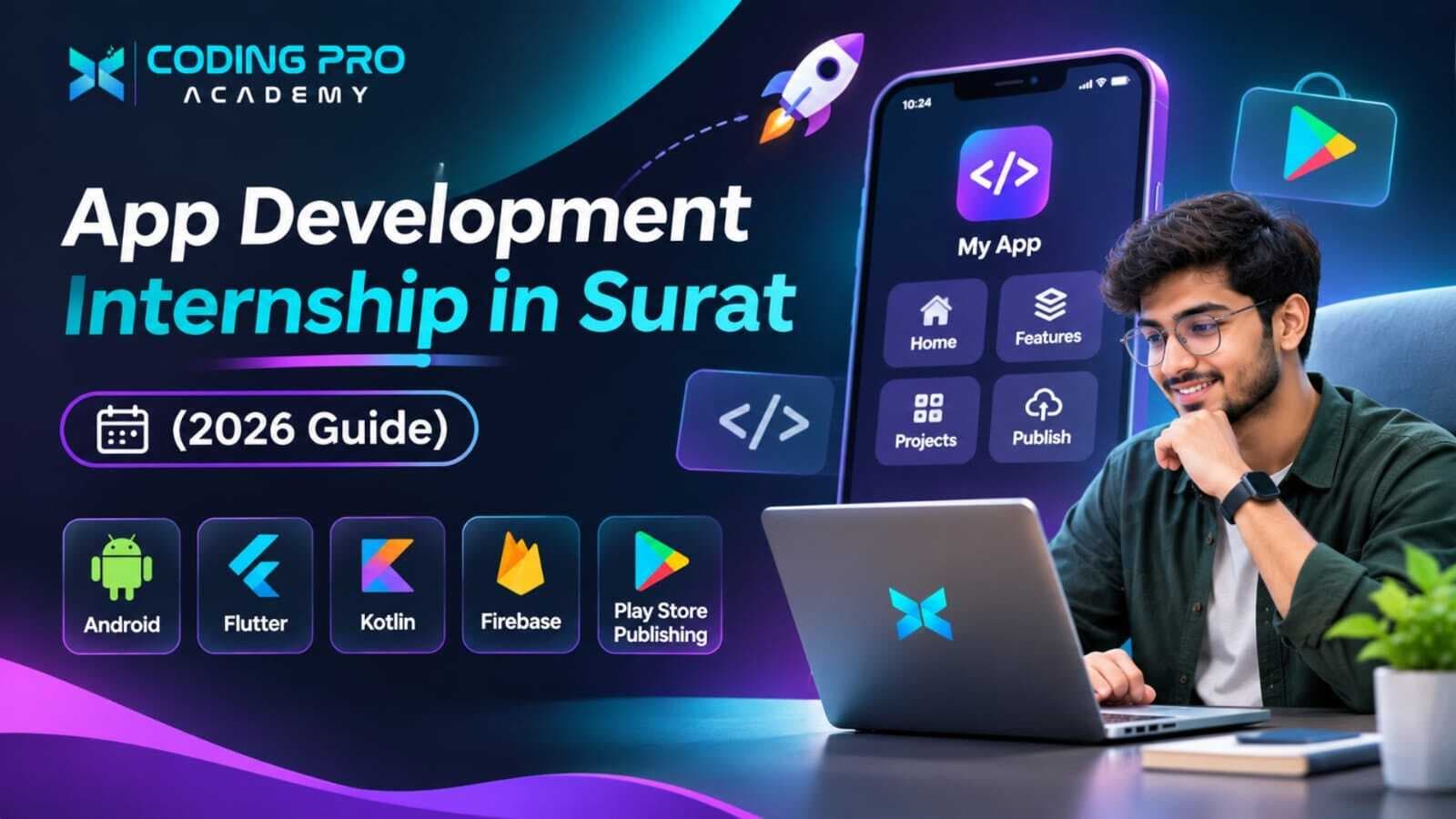
App Development Internship in Surat: A Complete Guide for Students and Freshers
Think about the apps you opened today — maybe UPI to pay a shopkeeper, a delivery app for dinner, or your college app to check attendance. Each one started as a simple idea that someone turned into screens, buttons and code. If you have ever looked at an app and thought "I could build something like that", an app development internship in Surat is a practical way to learn how.
This guide covers what you learn in an app development internship, Android versus Flutter, the projects that make a strong portfolio, how apps reach the Play Store, who can apply, career options, and how to choose a program that has you building real apps rather than just watching tutorials.
What Is an App Development Internship in Surat?
An app development internship is a hands-on training period where you learn to design, code, test and publish mobile applications. You move from writing basic programs to building complete apps that run on a real phone, save data and connect to online services.
Along the way you learn the full journey every professional app follows: understanding what users need, sketching the screens, writing the logic, connecting data, testing on different devices and fixing what breaks. By the end, you should be able to install your own app on your phone and show it to anyone.
Why Do an App Development Internship in Surat?
Businesses in Surat are steadily moving from WhatsApp orders and paper registers to their own apps — textile wholesalers sharing catalogues, coaching classes tracking attendance, restaurants taking orders and clinics booking appointments. Each of these needs developers who can build and maintain mobile apps.
A practical internship gives you:
- Experience building complete apps that run on a real device.
- A clear understanding of Android and cross-platform development with Flutter.
- Skills in app design, so your screens are easy to use, not just functional.
- A portfolio of apps you can install and demonstrate in interviews.
- A feel for which direction suits you — native Android, Flutter or mobile UI.
What You Will Learn in a Mobile App Development Course in Surat
A well-planned program builds your skills one layer at a time, from basic logic to a published app.
Programming Basics
Every app runs on logic, so you start with the essentials: variables, conditions, loops, functions, lists and object-oriented programming. These ideas are the same in every language, so learning them properly makes Kotlin, Java or Dart much easier to pick up.
Android App Development
Android powers the large majority of smartphones in India, which makes it the natural first platform for most students. You will learn how an Android app is organised, build screens, handle buttons and text input, move between screens and request permissions such as camera or location access. Kotlin is now Google's recommended language for Android, though Java is still found in many existing apps. The official Android Developers site is the best free reference to use while you learn. This is the core of any Android development course in Surat.
Flutter App Development
Flutter is Google's framework for building apps for Android, iOS, web and desktop from one codebase, using the Dart language. Everything on screen is made of widgets, which you combine like building blocks. You will practise layouts, navigation, forms and state management — the way an app keeps track of changing data. Flutter is popular with startups and agencies because one team can ship to Android and iOS together. The official Flutter documentation includes excellent beginner tutorials.
App UI and UX Design
An app that works but confuses people will be uninstalled quickly. You will learn how to plan screens, place buttons where thumbs can reach them, choose readable fonts and colours, design clear navigation, and make sure your app works on small and large screens alike.
Storing Data
Most apps need to remember things — a user's notes, a shopping cart or a list of tasks. You will learn to save data on the phone itself using local storage and SQLite, and in the cloud using services such as Firebase, which also handles user login and real-time updates without you building a full server.
Connecting to APIs
Weather, maps, payments and news all reach an app through APIs. You will learn how an app sends a request, how data comes back in JSON format, how to show it on screen, and how to handle slow internet or errors gracefully so the app never simply freezes.
Testing and Debugging
You will test every screen and input, run your app on emulators and real phones, read error messages, use debugging tools to find the exact line causing a problem, and check that your app stays smooth on budget phones as well as flagship models.
App Development Projects for Your Portfolio
Each project below introduces a new skill, so building them in order shows steady progress:
| Project | What you build | What you learn |
|---|---|---|
| Calculator app | Basic maths with a clean button layout | UI layout and button events |
| To-do list app | Add, tick off and delete daily tasks | Lists and local storage |
| Notes app | Write, edit, save and search notes | CRUD operations and navigation |
| Weather app | Live weather for any city | API calls and JSON |
| Expense tracker | Record spending and view monthly totals | Databases, calculations and charts |
| Student attendance app | Mark and view attendance for a class | Forms, data management and Firebase |
| Shopping app demo | Product list, product page and cart | Multi-screen navigation and app state |
Keep your code on GitHub and record a short screen video of each app running. Interviewers remember an app they can see working far longer than a line on a resume.
Publishing Your App on the Google Play Store
Building an app is one achievement; getting it into real users' hands is another. A good internship explains how publishing works:
- Create a Google Play developer account, which requires a one-time registration fee.
- Prepare a signed release version of your app.
- Write the store listing with a title, description, screenshots and icon.
- Add a privacy policy and complete Google's content and data-safety forms.
- Run any testing period Google requires for new personal accounts, then submit for review.
Publishing to Apple's App Store needs a Mac and a paid Apple developer membership, so most students in India publish on Android first.
Who Can Apply for an App Development Internship?
Mobile development welcomes students from many backgrounds. You are a good fit if you are:
- Studying BCA, MCA, B.Sc IT or B.Sc Computer Science
- Pursuing B.Tech, BE or a diploma in computer or IT engineering
- A fresher who wants to build apps professionally
- From any other stream, if you are curious about how apps work and ready to start with programming basics
A laptop that can run Android Studio comfortably helps; ask the institute for the recommended specifications before you join.
App Development Internship for Freshers: Where to Start
If you are a complete beginner, follow this order and finish a small app at each stage:
- Stage 1: Learn programming basics until you can solve small problems on your own.
- Stage 2: Pick one path — native Android with Kotlin or cross-platform with Flutter.
- Stage 3: Build single-screen apps with buttons, text and images.
- Stage 4: Add navigation, forms and local data storage.
- Stage 5: Connect to APIs and a cloud database such as Firebase.
- Stage 6: Test on real phones, polish the design and publish one app.
Stick with one path until you finish a few apps. Switching between Android and Flutter too early is the most common reason beginners stall.
Android vs Flutter: Which Should You Learn First?
Both are good choices, and many developers eventually learn both. Here is how they compare:
| Point | Android (native) | Flutter (cross-platform) |
|---|---|---|
| Language | Kotlin or Java | Dart |
| Platforms | Android only | Android, iOS, web and desktop from one codebase |
| Main tool | Android Studio | Android Studio or VS Code with the Flutter SDK |
| Building screens | Jetpack Compose or XML layouts | Flutter widgets |
| Best for | Deep Android features and Android-focused companies | Startups and agencies shipping to Android and iOS together |
If most of your target companies build Android-only apps, start native. If you want one skill that covers both major platforms, a Flutter course in Surat may suit you better.
Career Paths After Learning App Development
IT companies, startups, digital agencies and product brands all hire mobile developers. With a portfolio of working apps, freshers can aim for roles such as:
| Role | What the work involves |
|---|---|
| Android developer | Building and maintaining native Android apps in Kotlin or Java |
| Flutter developer | Creating cross-platform apps for Android and iOS |
| Mobile app developer | Owning app features from design to release |
| Mobile UI developer | Turning designs into smooth, responsive app screens |
| Junior software developer | Working on apps alongside backend and web teams |
| Freelance app developer | Building apps directly for local businesses and startups |
An internship is a strong start, not a job guarantee. Employers look at your published or demo apps, your code and how well you explain your decisions. Read our guide on the benefits of doing an internship in Surat to see how practical experience strengthens your resume. Many app developers also learn backend skills; our web development internship in Surat and best Python course in Surat guides cover that side.
How to Choose the Right App Development Internship in Surat
Before you join any program, ask these questions:
- Will you build apps yourself in every session and run them on a real phone?
- Does it clearly teach Android, Flutter or both, rather than a little of everything?
- Are design, data storage, APIs and testing covered, not just screens?
- Will you be guided through publishing at least one app?
- Is a mentor available to review your code and help you debug?
- Are the duration, fees, eligibility and certificate terms explained before you pay?
Ask to see apps built by past students. If an institute cannot show you a single working app, that tells you a lot.
App Development Internship in Adajan, Surat at Coding Pro Academy
Coding Pro Academy is a computer training institute in Adajan, Surat, where students learn mobile development by building real apps from the early weeks. The program covers programming basics, Android, Flutter, app design, local and cloud data, APIs, testing and Play Store publishing, with mentor support and a portfolio app at each stage.
Whether you are looking for an app development internship in Surat, a mobile app development course in Surat or a focused Flutter or Android track, the goal stays the same: apps you can install, demonstrate and explain with confidence.
Visit our Adajan centre or contact Coding Pro Academy to ask about duration, fees, eligibility and upcoming batch dates.
Conclusion
Mobile apps are how most people in India now shop, pay, learn and stay connected, and businesses of every size need developers who can build them. The route is clear: learn programming properly, choose Android or Flutter, build apps that solve small real problems, and publish your best one. A hands-on app development internship in Surat gives you that structure, along with the guidance and portfolio to start your career as an app developer.
Related posts
November 4, 2026
AI and Machine Learning Internship in Surat (2026 Guide)
AI internship in Surat for students and freshers: skills you will learn, real AI projects, who can apply, career paths and how to choose a program in Adajan.
November 4, 2026
Cyber Security Internship in Surat (2026 Guide)
Cyber security internship in Surat for students and freshers: skills, tools, safe lab projects, careers and how to pick an ethical hacking course in Adajan.
